

Local records, manual backups
Designed for privacy: journal entries and attachments stay on your device, with no account, cloud storage or cloud sync. Portable encrypted backup and restore are manual, with no automatic backup.
 PineroostSTUDIO LLC
A LITTLE RITUAL FOR EVERYDAY LIFE
A seasonal home for your words, photos, and everyday moments. Kept on your device, without cloud storage.
Made for iPhone/Seasonal Diary
 App Store download link coming soon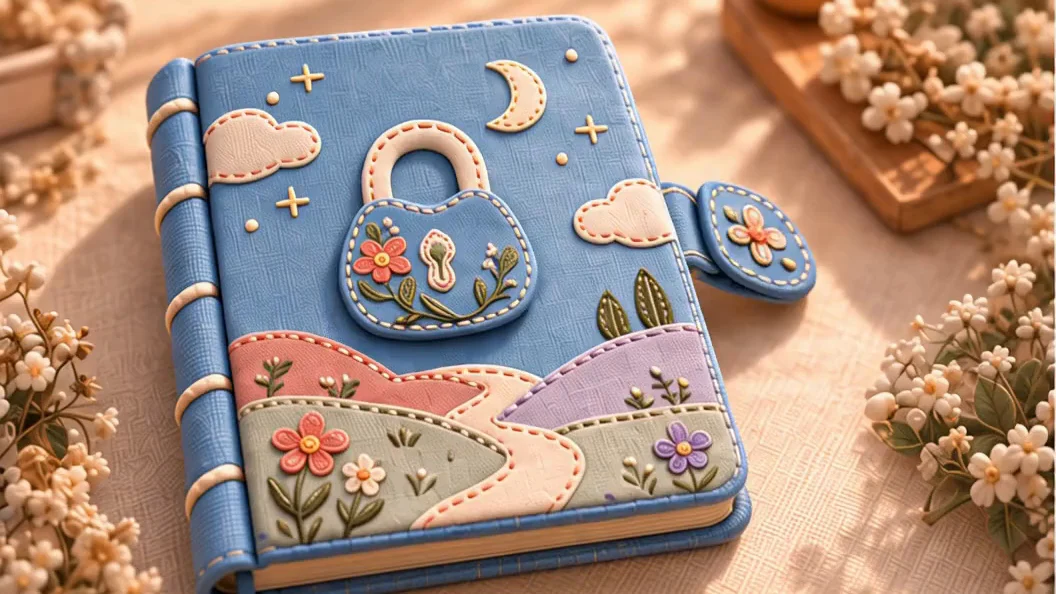
 A little journal. A life full of little joys.
01 / THE SEASONS, ON PAPER
A falling petal. A drifting snowflake. A little of today's light, kept on the page.
Pick a bookmark. Step into a season.
Stitched paper · Cherry blossoms
Actual motion captured in the App
02 / MAKE IT YOURS
10 covers · 10 clasps · 38 paper families · 40 effects. Some decorations unlock through recording progress.
Find your journal's look ↗03 / SAY IT BEFORE IT SLIPS AWAY
Back from a walk, with a few things to remember? Say them to your journal. Apple Intelligence helps organize them; you have the final say.
Transcription requires available Apple on-device speech recognition. Smart organization also needs a compatible device with Apple Intelligence enabled and available. You can edit suggestions or record things manually.
“I walked for half an hour today and had pumpkin soup for dinner.”
Start with a little of your day, in your own words.
04 / THE LITTLE SIGNS OF A LIFE WELL LIVED
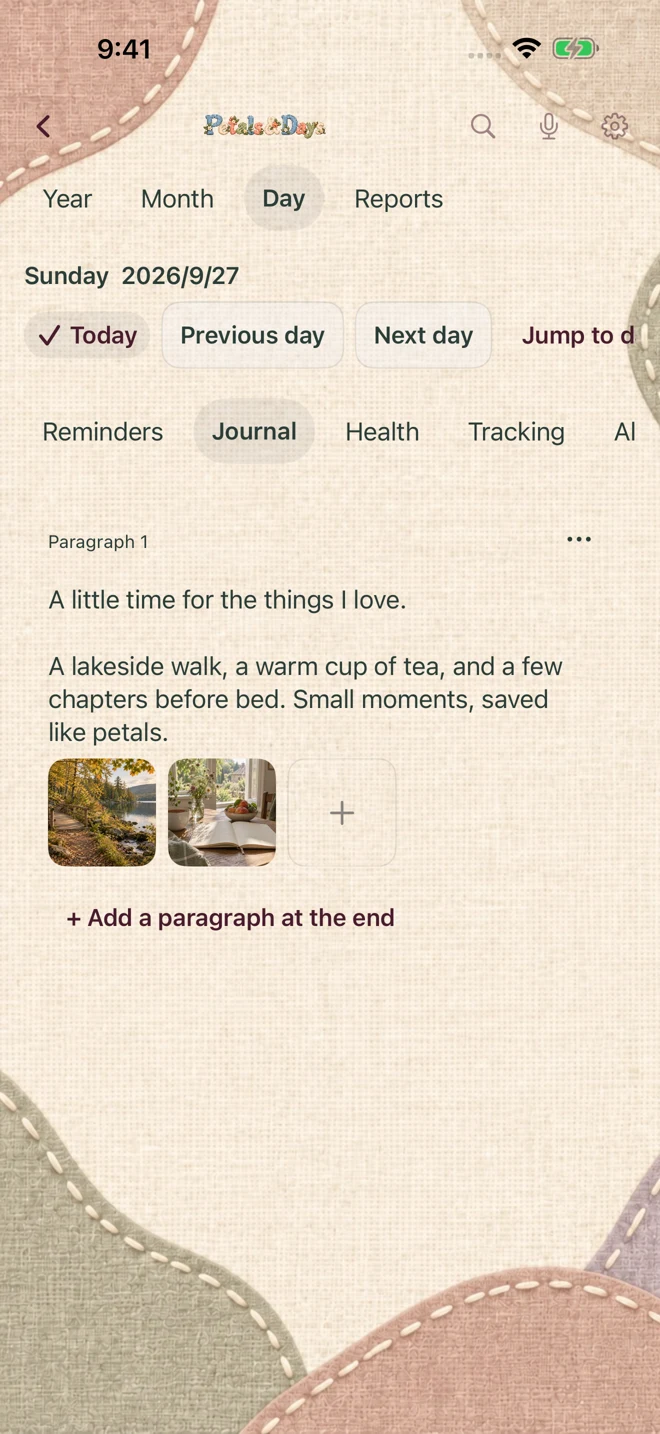
Keep everyday life in one journal. What you did, what you're working toward, and what you want to remember each have a place.
Record movement, meals and sleep at your own pace. Return to a date and find the small details of that day.
05 / FROM ONE DAY TO A WHOLE YEAR
A little calendar icon. A year of footprints. A record behind a report. Small reminders that you were here, living it.
Browse the traces of your days and find a square with a story.
06 / SEASONS, HOURS & A DAILY READING
Notice a solar term, discover a traditional hour, read a little ancient wisdom. A gentle ritual, alongside your own words.
A clock framed in leaves and flowers pairs traditional hours with meridian names.
For cultural reading, not medical diagnosis, treatment, or predictions about personal outcomes. Some traditional terms remain in Chinese in the English App.
07 / EVERY LITTLE CAT HAS A SECRET
A journal that won't open. A peek that won't stay secret. And a sneeze with terrible timing. Come see what they kept between the seasons.
08 / YOUR WORDS, YOUR CHOICE
Designed for privacy: journal entries and attachments stay on your device, with no account, cloud storage or cloud sync. Portable encrypted backup and restore are manual, with no automatic backup.
Voice tools offer suggestions for you to review, edit and confirm. Your words remain yours.
You can write and add records manually when voice or smart organization isn't available.
For supported iPhones running iOS 26.1 or later, in English and Simplified Chinese. Manual writing and recording do not require Apple Intelligence. Optional Apple AI features need a compatible device, enabled settings and available system resources; speech resources may need to be downloaded.
Create a portable encrypted backup in Settings → Data & Privacy. The file is created in the App's own local directory. You cannot choose another save location in the App, and it has no save-to-cloud feature. Use Finder or Apple Devices to copy it to your computer for safekeeping. Keep the backup and recovery passphrase safe separately; the developer cannot recover a lost secret. The App validates the backup before restoration. A successful restore replaces the whole current journal without merging or automatic sync. Manual backup is not automatic backup. PDF exports are for reading only, and reinstalling, iCloud Backup and Quick Start are not guarantees of journal recovery. See Help & support for the steps and external-copy information.
No. First review the transcript and suggestions, then confirm what to save. The App's voice path transcribes on-device without retaining raw audio. Smart organization uses Apple's on-device model.
Health features support personal record-keeping. The almanac, meridian clock and hexagrams are cultural reading. They don't provide medical diagnosis, treatment plans, or guaranteed outcomes.
Yes. Open the appearance studio to explore covers, clasps, paper and seasonal day/night effects. Some decorations unlock through your own recording progress without an extra purchase. A website preview does not mean every look is already unlocked in the App, and web animation timing may differ.
A one-time purchase, with no subscriptions, in-app purchases or advertising. The US store price is US$9.99; other regions use the price shown in their local App Store. Made by Pineroost Studio LLC; support is available at [email protected]. Once the download link is open, check your local store for availability.
A one-time purchase. No subscriptions, in-app purchases or ads.
US store price: US$9.99. Other regions use the price shown in their local App Store.
App Store download link coming soon